Productivity app by Taimorix Lab
PDF & Office Tools
Docnivo – PDF & Office Tools
An all-in-one Android document toolkit for working with PDFs, documents, spreadsheets, presentations, scans and professional CVs.
- Platform
- Android
- Price
- Free · Ad-supported
- Status
- Coming soon
Feature overview
What you can do with Docnivo
Docnivo brings everyday document work into one Android app. Edit and organise PDFs, scan paper documents, recognise text, create Word, Excel and PowerPoint files, and build a professional CV. Optional AI summaries and PDF translation run on your device once their models are downloaded.
PDF editing
Add text, images, shapes, drawings and signatures to a PDF.
PDF utilities
Merge, split, compress, organise, protect, watermark and number pages.
Document scanner
Scan pages with Google Play services' document scanner and save them as one PDF.
Text recognition (OCR)
Recognise text in images and scanned PDFs on your device.
Word, Excel & PowerPoint
Create and edit documents, spreadsheets and presentations, and convert PDFs to them.
CV Maker
36 templates, including ATS-friendly designs, exported as PDF.
AI Summary (optional)
Summaries generated on your device after a one-time model download.
Translate PDF (optional)
Translate PDF text on your device after downloading a language model.
PDF editing & utilities
Everyday PDF work, handled on your phone
Edit PDFs directly, and reach for a full set of tools when you need to combine, trim, shrink or secure a file.
- Edit PDFs: add text, images, whiteout, shapes, drawings and signatures
- Merge PDFs, split them, and extract chosen pages
- Organise pages: reorder, rotate or delete, then save a new PDF
- Compress PDFs by optimising their images while text stays sharp
- Add watermarks and page numbers, or crop the visible page area
- Protect a PDF with a password, or unlock one you can already open
- Fill in existing PDF form fields
Scanner & OCR
From paper to searchable text
Scanning uses Google Play services' document scanner, so Docnivo needs no camera permission of its own. Text recognition runs on your device.
- Scan pages with automatic edge detection, then adjust the corners
- Brighten and sharpen pages with filters; rotate and reorder before saving
- Save a multi-page scan as a single PDF
- Recognise text in images and scanned PDFs, on your device
- Optionally add recognised text to a local search index on your phone
Office tools
Word, Excel and PowerPoint in one place
Create and edit office files on your phone, and turn PDFs into editable documents. Exporting spreadsheets and presentations to PDF uses a compatible app installed on your phone.
Word
- Create documents with headings, lists, tables and images
- Save edited copies of Word documents
- PDF to Word, with text recognition for scanned pages
- Word to PDF for simple documents; complex files open in a compatible app
Excel
- Build spreadsheets with sheets, numbers and simple formulas
- Save edited copies of spreadsheets
- PDF to Excel: extract tables and text rows
- Export a sheet as CSV; Excel to PDF via a compatible app
PowerPoint
- Build slide decks with text, images and simple shapes
- Save edited copies of presentations
- PDF to PowerPoint with approximately positioned, editable slides
- PowerPoint to PDF via a compatible app
CV Maker
A professional CV, built step by step
Fill in structured sections, choose a template and export a clean PDF that is ready to send. Every template is available to everyone.
- Structured sections for experience, education and skills
- 36 templates, including ATS-friendly designs
- Drafts saved on your device so you can come back later
- Export your CV as a PDF
Advanced utilities
Extra tools for the less common jobs
Beyond the basics, Docnivo includes utilities for the tasks that come up less often but matter when they do.
- Redact PDF: permanently black out areas (pages are rebuilt as images)
- Repair PDF: best-effort recovery of a damaged file
- Compare PDF: compare the text and page counts of two PDFs
- PDF to images, PDF to Markdown, and PDF/A-2b archival copies
- View PDF security details and edit or remove document metadata
- Workflow Builder: save and re-run multi-step PDF workflows
AI Summary & Translate PDF
Optional summaries and translation, on your device
Both features are optional. Each needs a one-time model download over the internet; after that, summarising and translating run on your phone and your documents are not uploaded.
- Extractive summary picks key sentences with page references, with no download needed
- AI Summary: download an open model from Hugging Face once (about 470 MB Lite or 1.1 GB Standard), then generate summaries on your device
- Translate PDF: download a Google ML Kit language model once (about 30 MB per language), then translate on your device and save a new PDF
- Choose Wi-Fi-only downloads, and delete models whenever you like
Privacy
Privacy-focused document processing
Docnivo is designed so that your documents stay on your device while you work with them. Advertising and optional downloads use the network, and we explain exactly how.
Processed on your device
Document tools, text recognition, AI summaries and translation run locally. Your documents are not uploaded to Taimorix Lab.
Kept separate from ads
Document contents, filenames, CV text and recognised text are not sent to Google AdMob for advertising.
No camera or storage permission
Scanning uses Google Play services' document scanner, and files come in and go out through Android's file picker.
Optional downloads, clearly marked
AI and translation models are downloaded only if you choose to use those features. The download services see your IP address, not your documents.
How it stays free
Free, and supported by ads
Docnivo is free to download and use. Advertising keeps it that way. There are no subscriptions, paid features or in-app purchases.
Docnivo shows banner, native and interstitial ads, plus optional rewarded ads.
Watch an optional rewarded ad to get 30 minutes without regular ads. It is not a subscription and never costs money.
Every document tool and CV template is available without payment, whether or not you watch a rewarded ad.
Screenshots
A look inside Docnivo
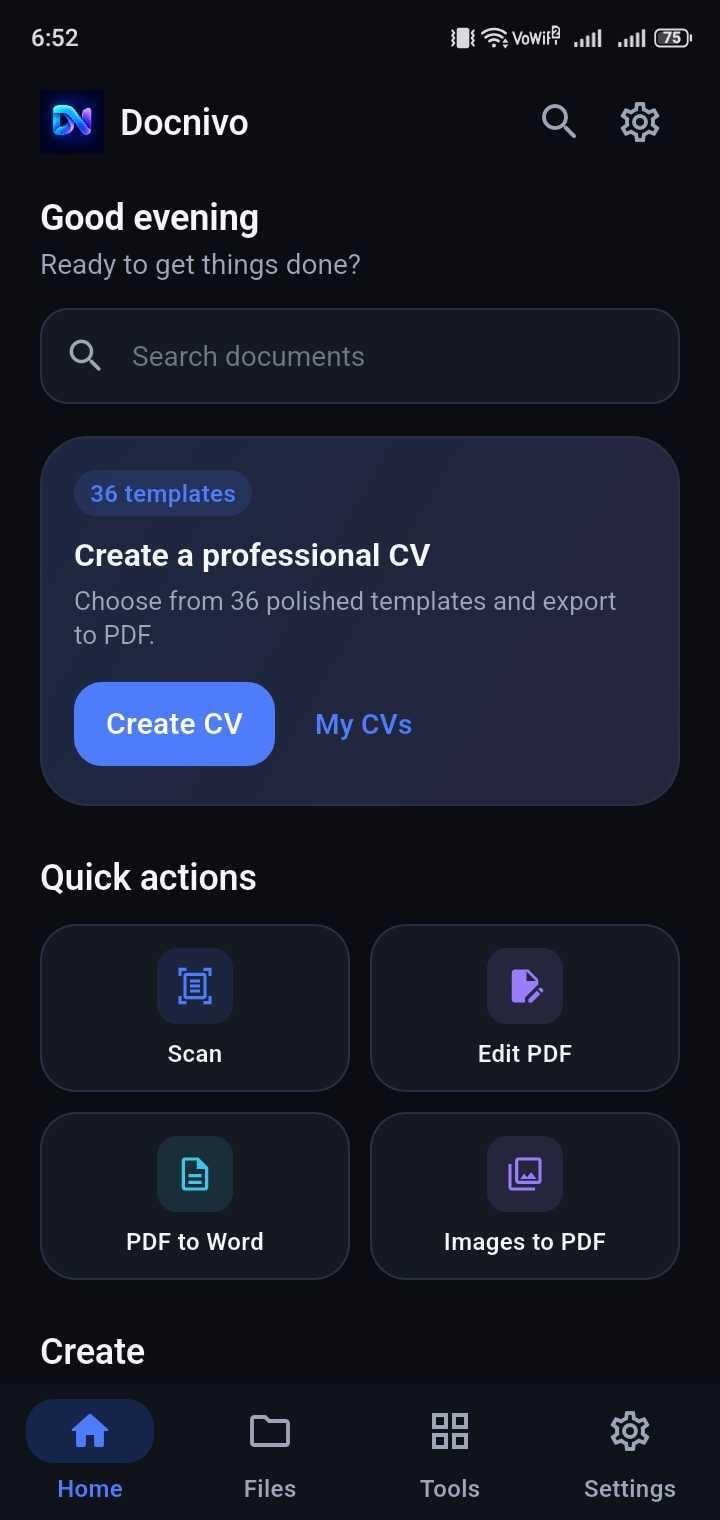
Home 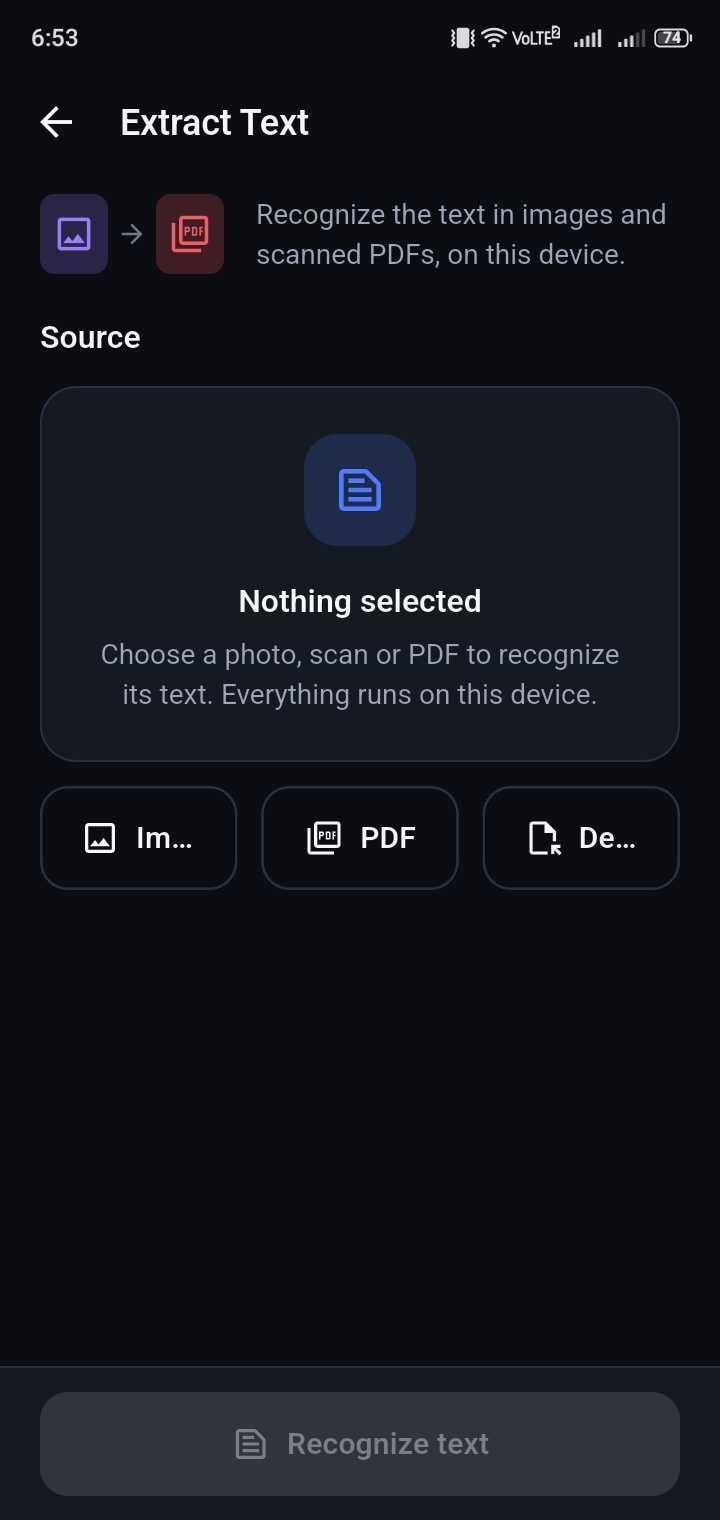
Text recognition 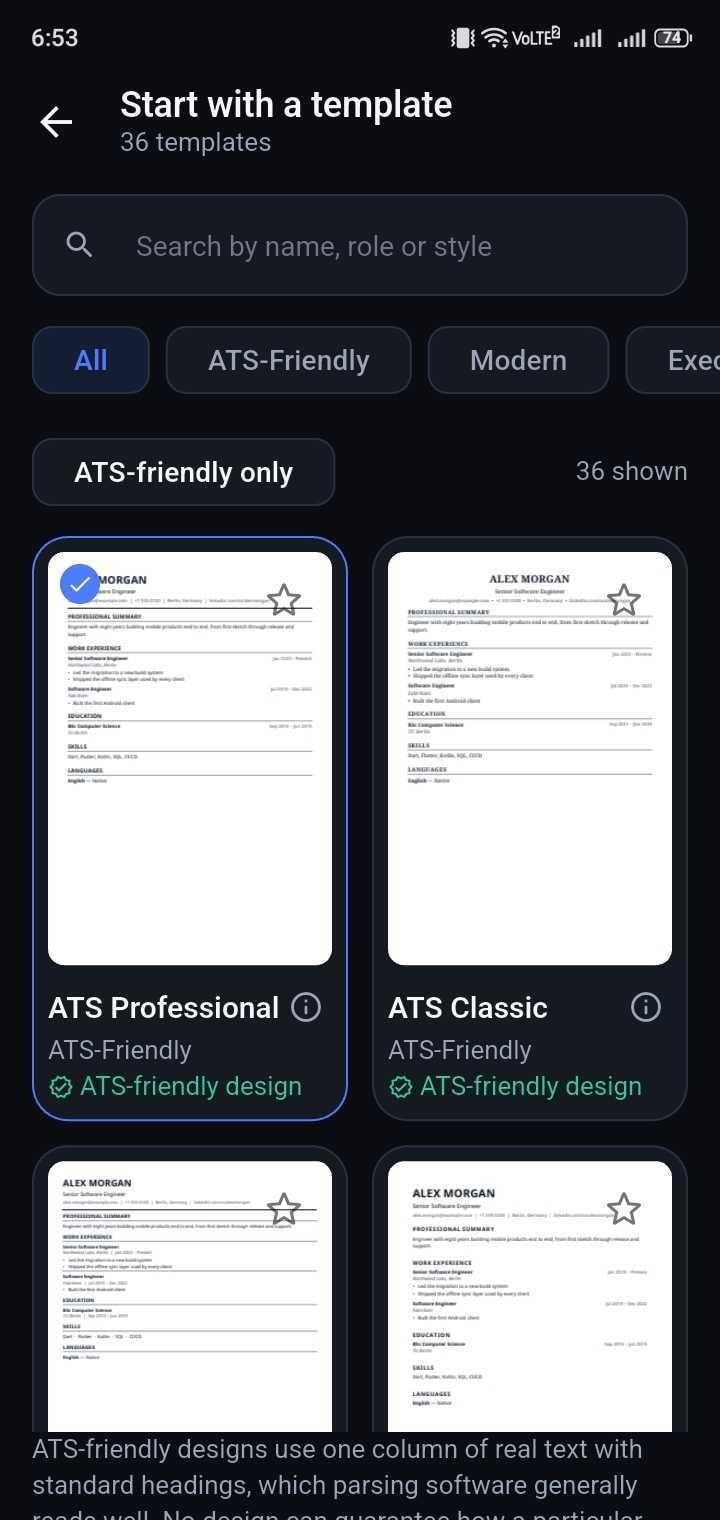
CV templates
FAQ
Frequently asked questions
Quick answers about Docnivo. More help is available on the support page.
Is Docnivo free?
Yes. Docnivo is free and supported by advertising. There are no subscriptions, paid features or in-app purchases, and every document tool and CV template is available to everyone.
What is “30 minutes without regular ads”?
If you choose to, you can watch a rewarded ad and Docnivo will pause regular ads (banner, native and interstitial) for 30 minutes. It is entirely optional, is not a paid subscription, and does not unlock any features, because every feature is already available.
Are my documents uploaded anywhere?
No. Docnivo processes your documents on your device, including text recognition, AI summaries and translation, and your documents are not uploaded to Taimorix Lab. Document contents, filenames, CV text and recognised text are not sent to Google AdMob for advertising. Files only leave your device when you choose to share or export them.
Does Docnivo work offline?
Most tools work without a connection. You need internet access for ads, the first time Google Play services prepares the document scanner, and the one-time model downloads for AI Summary and Translate PDF. After a model is downloaded, summarising and translating work offline.
Does Docnivo need camera or storage permission?
No. Docnivo does not request camera permission or broad storage access. Scanning uses Google Play services' document scanner (or your phone's camera app if the scanner isn't available), and the pages are returned to Docnivo. You choose files through Android's file picker.
What do AI Summary and Translate PDF download?
AI Summary downloads an open language model from Hugging Face (about 470 MB for Lite or 1.1 GB for Standard). Translate PDF downloads a Google ML Kit model for each language you use (about 30 MB each). Both downloads are optional, can be limited to Wi-Fi, and can be deleted at any time.
When will Docnivo be on Google Play?
Docnivo is being prepared for release on Google Play. This page will link directly to the listing as soon as it is live.

Docnivo is coming to Google Play
The listing is being prepared. This page will link to it as soon as it is live.